Guides
Learn everything about mechanical keyboards with our comprehensive guides. From beginner basics
to advanced modding techniques, we’ve got you covered.
Most of what makes a keyboard feel expensive is work you can do yourself for very little money. A cheap board with tuned stabilizers and lubed switches will out-type an expensive one straight from the box, and none of it requires skills you do not already have.
If you are starting out, do these in order. Tune your stabilizers first, because the rattle on your spacebar and shift keys is almost certainly the worst sound your keyboard makes, and our stabilizer guide fixes it in an evening. Then lube your switches, which is the single biggest upgrade to feel. O-rings are the quickest win of all if you just want things quieter.
Going further, we cover switch filming for tightening housing wobble, and the full custom keyboard build guide if you want to assemble one from parts.
When something is wrong rather than merely unsatisfying, start with the diagnostics: testing a keyboard PCB for dead keys, and keyboard ghosting if presses are being dropped during fast typing or gaming.
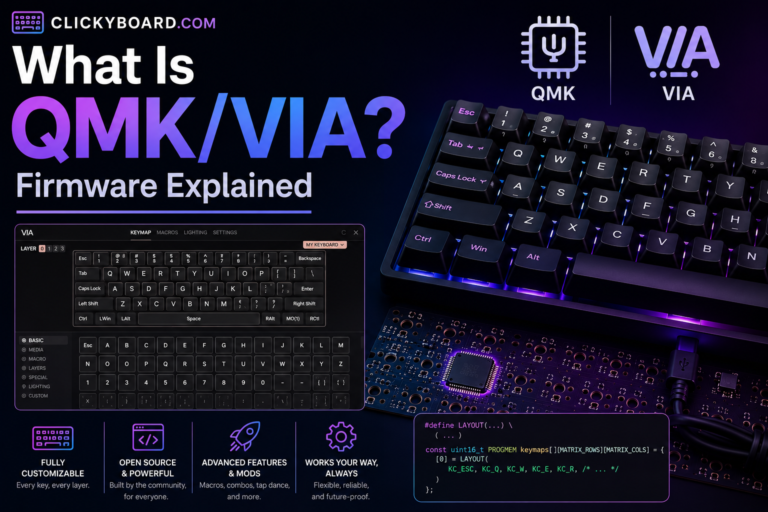
QMK and VIA let you remap any key, build custom layers, and record macros without writing code. We explain how they work and how to check if your board supports them.
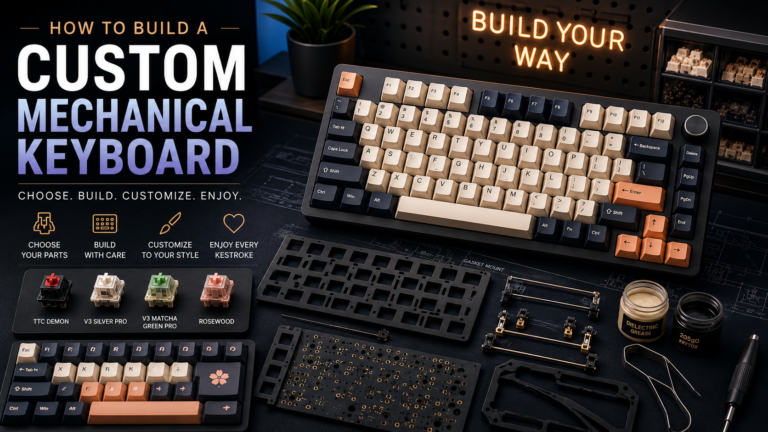
Learn how to build a custom mechanical keyboard from scratch in 2026. Covers every part, tools, budget planning, switch selection, soldering vs hot-swap, and step-by-step assembly — from someone who has built 15+ custom boards.
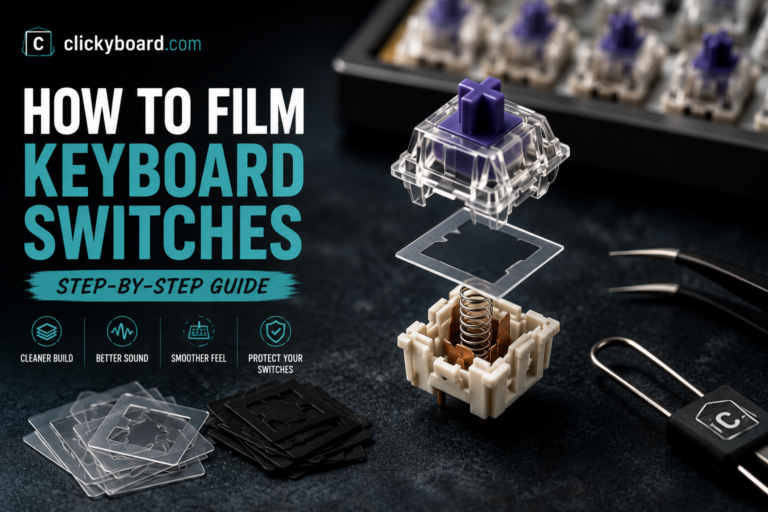
Discover how to film a switch for your mechanical keyboard. Learn about the process, best switch films, installation steps, and frequently asked questions. Improve stability, reduce switch wobble, and enhance your typing experience with this…
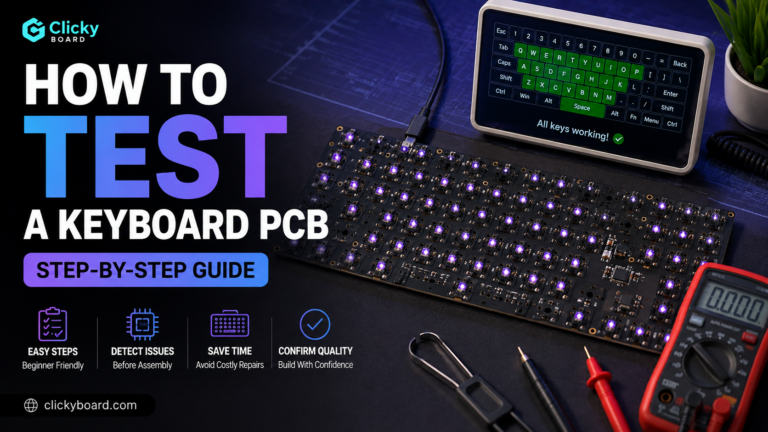
Test a keyboard PCB in minutes: bridge each switch pad with tweezers, check the controller and USB, and fix dead keys. A clear step-by-step guide.
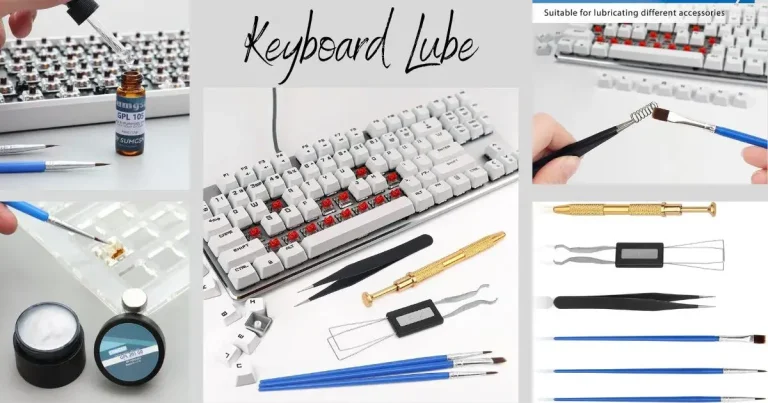
Discover the truth about keyboard lube dry out and its longevity. In this comprehensive guide, we explore whether keyboard lube dries out over time and how it affects your typing experience. Perfect for keyboard enthusiasts…
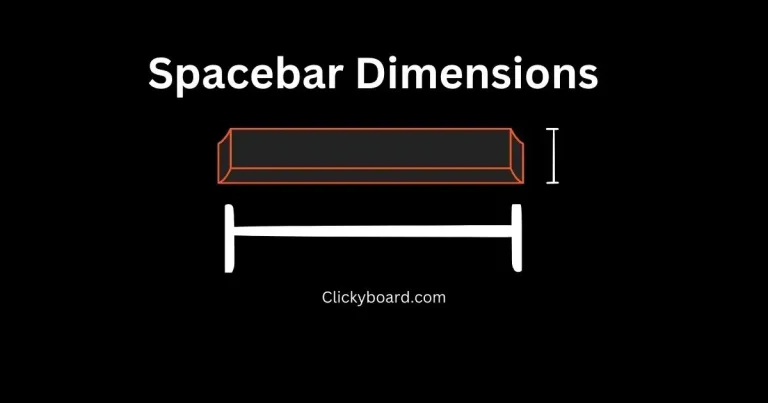
Spacebar sizes explained: 6.25U is 119mm, 7U is 133mm, 6U is 114mm. Full size chart, stabilizer spacing, and how to measure yours before buying.